

We’d love to hear from you — whether you have a project in mind, or just want to say hi.
info@upeoconsulting.com

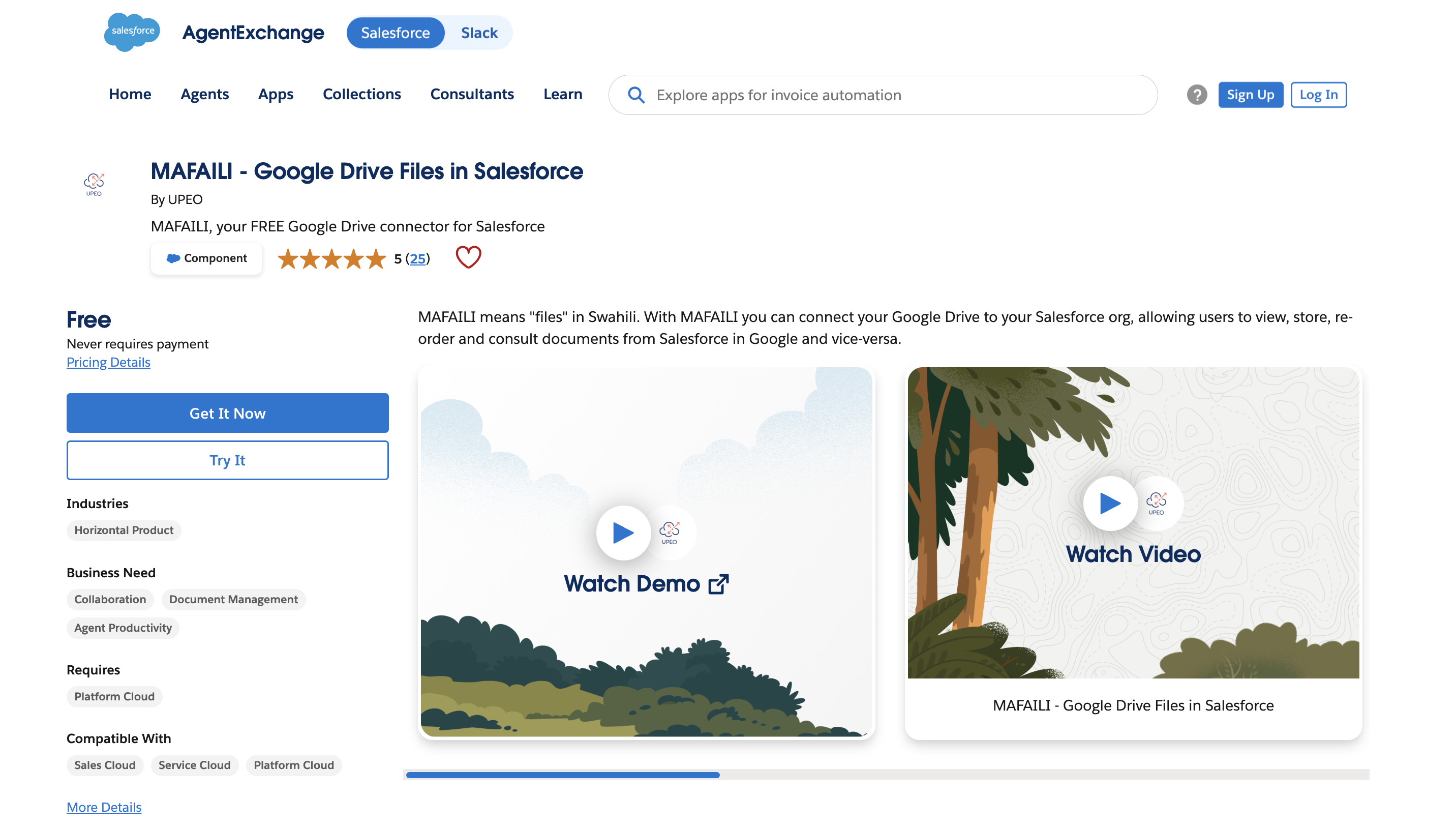
It’s been a while, but we pushed a rather big update for Mafaili, and yes, it is still completely free.
Quick reminder of what it does: Mafaili connects Google Drive to Salesforce. You see and manage your Drive files right on the record. No extra storage bill, no per user license. We built it small and focused on purpose, but that does not mean we do not iterate. So here is version 1.21.
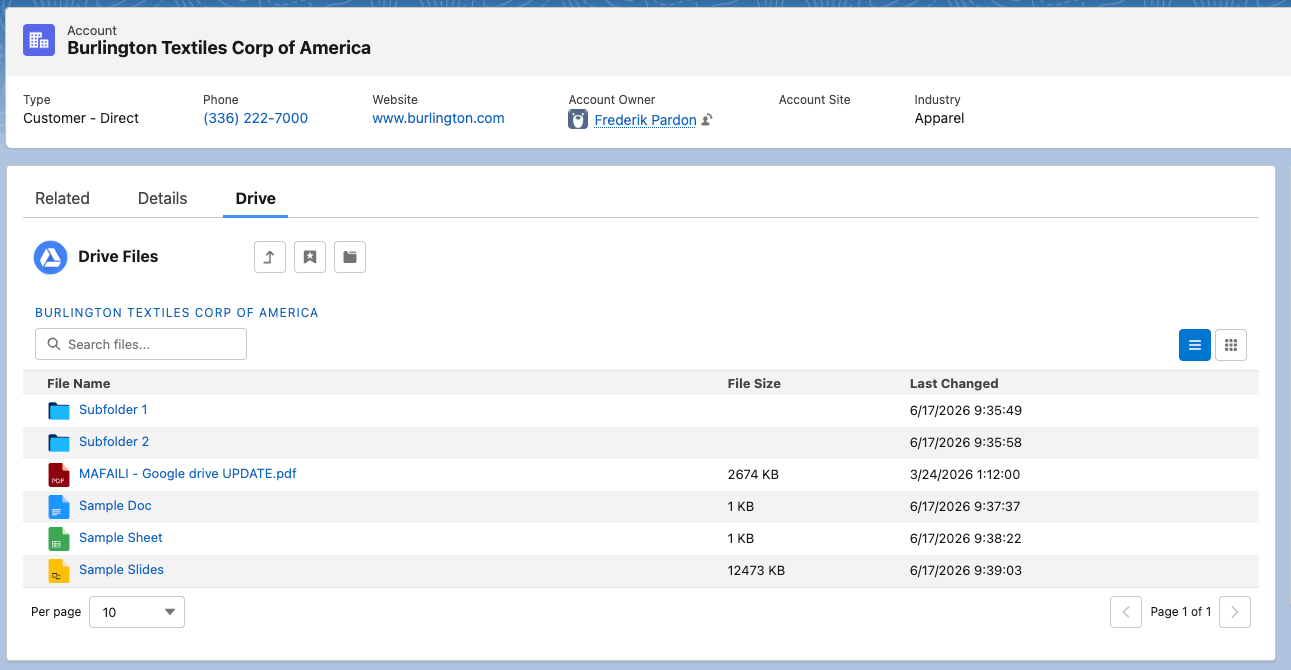
What is new:
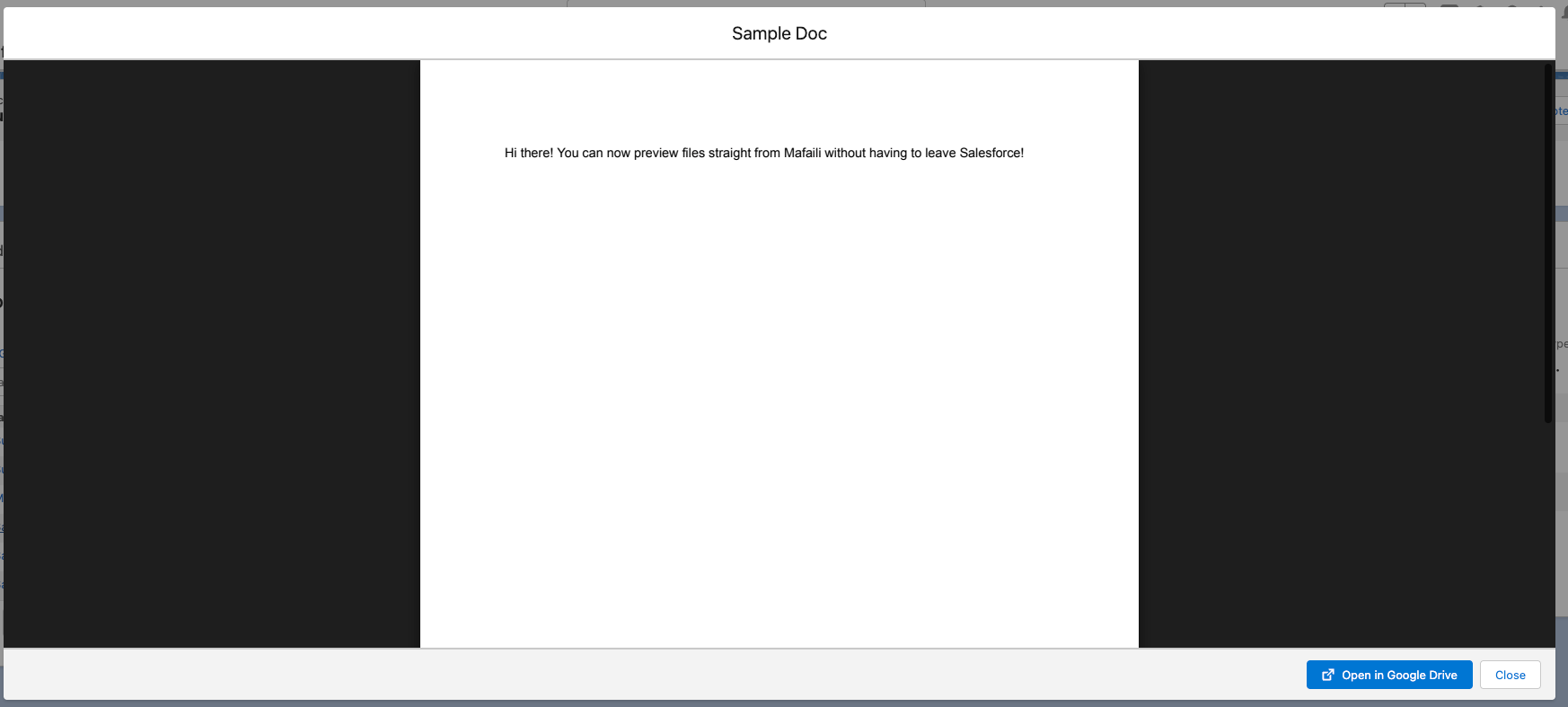
Preview files without leaving Salesforce. Click a file and it opens right there on the page. PDFs, Docs, Sheets, Slides, images, video. Of course, you still have the option to open the file in Drive directly, that button is just one click away.
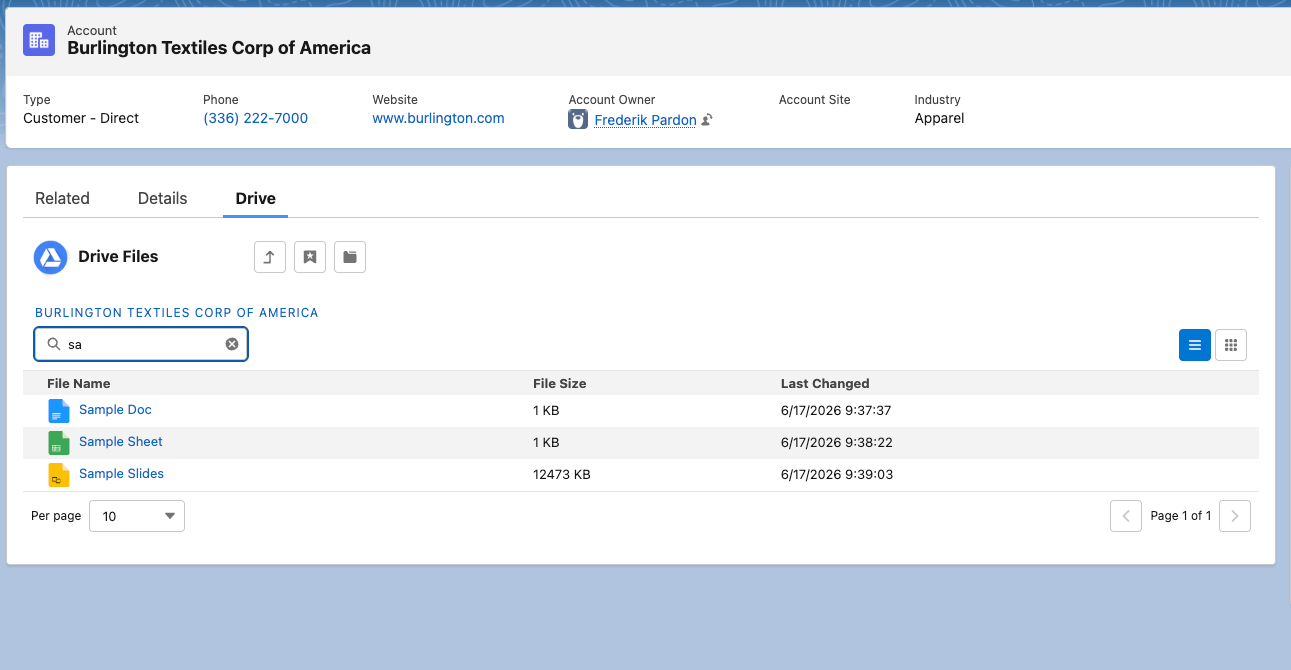
Search. Start typing and the list filters as you go.
Pages. Choose how many files to show per page, so busy folders stay readable.
A clickable folder path. Breadcrumbs that let you jump back up the tree in one click.
A grid view with thumbnails, sitting next to the classic list. Switch whenever you want, and it remembers your choice next time.
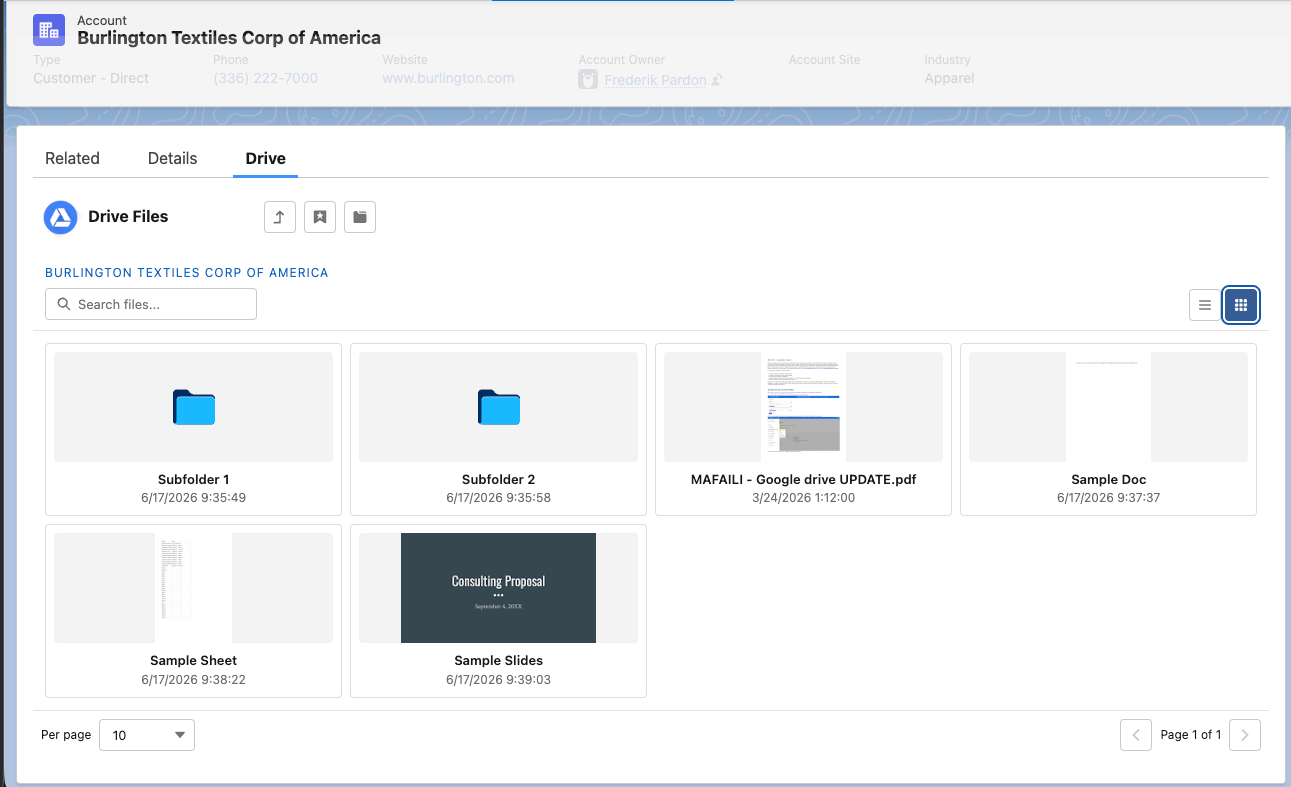
And one small thing that had been bugging me: folders now always sort to the top, the same way they do in Drive.
If you run Salesforce and Google Drive side by side, give it a go. And if you already use Mafaili, make sure to upgrade your package to the latest version.